

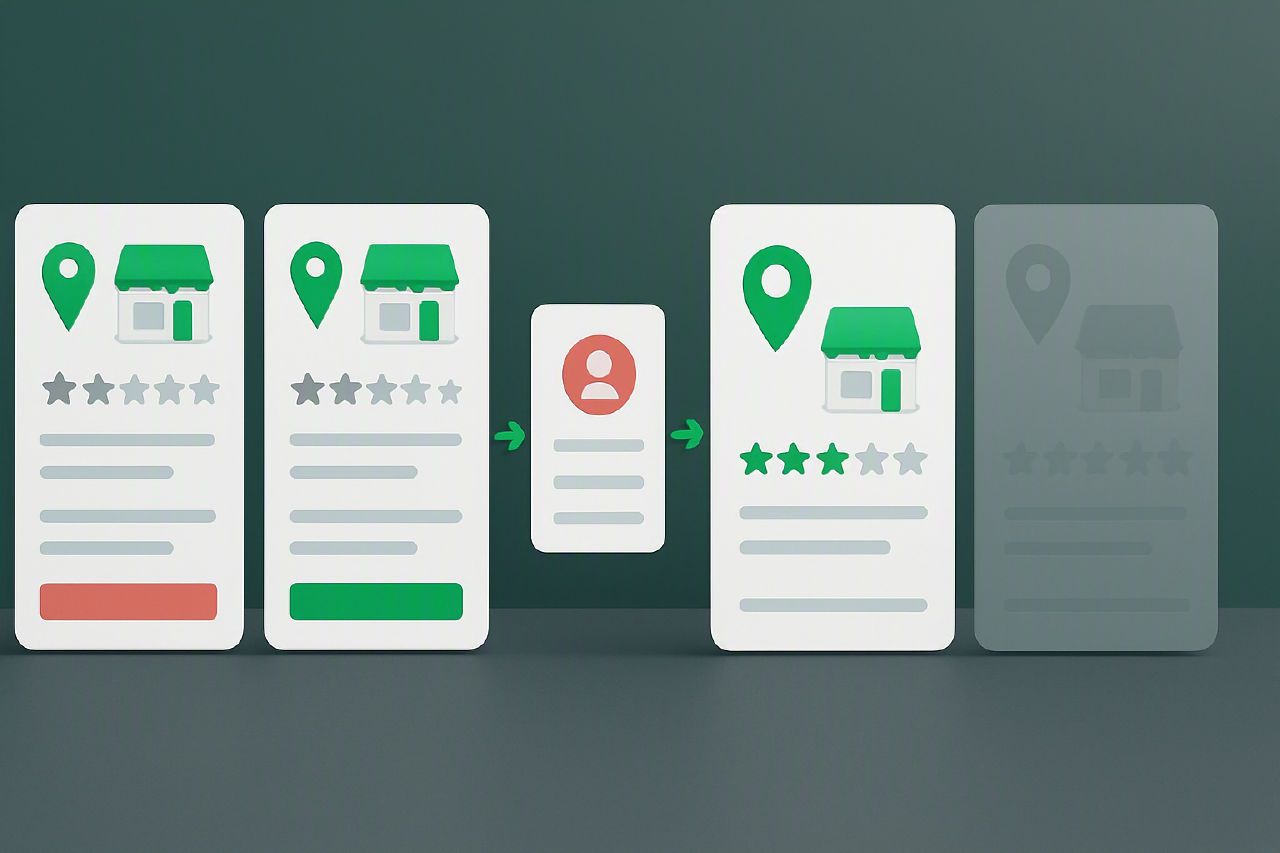
Quick answer
If you find a Yelp duplicate business page, stop editing both profiles straight away. Confirm which listing is the real live page, then collect proof that the other URL refers to the same business or the wrong location. Yelp usually deals with this through its support and report flow rather than a public self-serve merge tool. Send both Yelp URLs, the correct NAP details, your website, storefront signage photos, and proof of whether a location is open, moved, or closed. If reviews sit on the wrong page, ask Yelp to consolidate or reassign them.
This guide comes from the same operator workflow BGR Review uses when owners contact our New York, London, and Thornhill teams about split reviews and wrong-location pages. The part most guides miss is what actually slows Yelp down: mixed NAP across directories, reopened locations still tied to old URLs, franchise naming differences, and staff edits made on the wrong claimed page. A weak evidence pack gets stuck fast; a clean one usually starts with the surviving URL, matching business records, and photos that prove which frontage, suite, and brand name Yelp should keep.
What a Yelp duplicate business page actually is
A Yelp duplicate business page is two Yelp listings for the same real-world location, serving the same customers from the same place. The clean test is simple: if both pages point to one premises, they should usually collapse into one listing. A business can still have more than one Yelp page where the locations are genuinely separate, or where Yelp treats a distinct department as its own unit, but that is a different setup from a duplicate.
The pages that cause trouble usually share the same address, the same phone number, or categories that overlap so closely they describe the same operation. A restaurant and its bar at one site can be a genuine split if Yelp has treated them as separate departments; two plumber pages with one address and one main line usually signal a duplicate. In BGR Review support work, the slowest clean-up cases start with staff claiming the wrong page or editing hours on one listing while reviews land on the other, which makes the location look less clear to Yelp than it is on the ground.
How bad Yelp merges damage reviews, ranking, and trust
A bad Yelp merge puts the wrong reviews, rating signals, and profile details under one listing, so users judge the wrong business before they even click through. A dental clinic can inherit restaurant photos, a city-centre branch can show suburb opening hours, and one service line can end up carrying complaints meant for another. Yelp surfaces rating, photos, hours and menu details straight on the listing, so the mismatch is visible immediately.
The review damage is usually the part owners notice first. If Yelp folds a weak page into the wrong surviving page, a 1-star review aimed at another location or another brand can sit beside your real feedback and drag down calls from the listing. We tell clients to fix the merge before chasing review removal, because a $449 pay-after-success removal case solves one review link, while the bad merge keeps feeding the wrong trust signals into the page.
Ranking and trust both suffer because Yelp’s listing quality signals stop making sense. Users see a low rating next to the wrong address, old menu items, closed-store photos or mismatched services, then bounce or report the page as inaccurate. In the cases that land with our New York, London and Thornhill teams, the worst confusion usually comes from reopened premises, staff edits on the wrong page, or franchise naming differences that make two separate locations look like one business.
The three duplicate scenarios that need different fixes
A Yelp duplicate problem falls into one of three buckets, and each one needs a different request: consolidate one location, separate two locations of the same brand, or unpick two unrelated businesses that Yelp has tied together.
| Scenario | What you are seeing | Fix to ask for |
|---|---|---|
| 1. True duplicate for one location | Two Yelp pages show the same address, phone, website or suite for a single trading location, and reviews are split between them. | Ask Yelp to consolidate the pages and keep one survivor page. |
| 2. Same-brand locations merged | Two nearby branches of the same brand share reviews, photos or check-ins even though each has its own entrance, phone line or service area. | Ask Yelp to separate the listings so each location stands alone. |
| 3. Unrelated businesses merged | A page mixes another company’s reviews or category because of an old address, shared building, or similar name. | Ask Yelp to detach the businesses and move the wrong content off your page. |
If you classify this wrongly, Yelp support often circles back for more proof and the fix drags. The slowest cases usually involve reopened sites, franchise naming differences, or staff editing the wrong claimed page before the request goes in. If the issue later turns into review removal rather than a listing correction, BGR Review handles that on a pay-after-success basis at $449 per removed review link with $0 upfront, which is a different process from a duplicate-page fix.
How to verify whether Yelp has merged the wrong pages
You can confirm a wrong Yelp merge by checking three things first: the NAP data, who controls each page, and where Yelp drops the map pin. Put the name, address and phone number side by side, then compare the claimed-owner badge and any owner-updated fields. If one page is claimed and the other is unclaimed, or the pin lands on the wrong street, retail park or building entrance, save screenshots before anyone on your team edits the listing again.
| Check | What usually proves a bad merge |
|---|---|
| NAP | Different suite number, old phone line, reopened address, franchise naming variation |
| Owner status | Reviews moved onto a page claimed by the wrong location manager |
| Map pin | Pin points to another branch, another block, or a former site |
Read the reviews next, line by line. The fastest clues sit inside the text: staff names, parking details, floor numbers, nearby landmarks and neighbourhood references. A review that mentions valet, “ask for Maria”, or “next to the station” does not belong on a page for your suburban branch with a car park and different team.
If the review mix changed suddenly, pull archived screenshots dated before the merge. Screenshots from your records, old reporting packs, or a cached branch audit often settle the point faster than a fresh explanation because they show which reviews sat on which page before Yelp’s listing data changed. Weak evidence packs slow correction requests; dated before-and-after captures usually do the opposite.
The evidence pack that speeds up a Yelp correction
A Yelp correction moves faster when your evidence pack proves one thing clearly: which page should survive, which page is wrong, and which real-world address belongs to the business.
Start with documents Yelp can match to the listing data. Send a photo of the storefront signage, a recent utility bill, and a business licence that all show the exact street address in the same format. Weak packs slow down because they show the business name but miss the suite number, use an old address from a reopened location, or switch between “Ltd”, “LLC” and franchise variants that do not match the live Yelp page.
- Storefront signage photo with the business name and street number visible.
- Utility bill showing the exact address Yelp should keep.
- Business licence with the same legal name and location.
- Your website location page for that branch, not the homepage.
- Google Business Profile and Apple Maps entries that match the same location details.
- 5 to 10 screenshots with arrows or highlights showing the problem: reviews posted on the wrong page, photos from another branch, or categories that belong to a different business.
The screenshots matter more than most owners expect. A support agent can read a utility bill, but the faster proof is usually a side-by-side image showing that the duplicate page carries another branch’s photos, service category, or reviews. If you send only a short note saying “these are duplicates”, Yelp has to infer the conflict; if you label each file by page URL and issue, the correction request is easier to assess.
What to do first if reviews are split across duplicate pages
The first move when reviews are split across two Yelp pages is to freeze the record: save both profile URLs, screenshots of the review counts, and the exact business names before you touch anything.
Do that before any edit, flag, or owner-account change. Yelp threads can get messy after a support agent merges, relabels, or unpublishes a page, and the old review split is harder to prove once the visible counts change. Save the direct links, capture the address, phone, category, and any “Claim this business” prompt on each page, and note which page currently ranks for branded searches.
If one page is unclaimed, do not rush to claim it unless Yelp support asks for verification. Claiming the wrong duplicate can create a second owner record, trigger new business details, and muddy the question of which listing should survive. Support usually moves faster when you keep the pages as they are and send a clean consolidation request with both URLs and your evidence pack.
Ask for consolidation, not deletion, when legitimate reviews sit on both pages. Deletion language can lead support to treat one page as disposable, which risks review loss.
What to do if Yelp merged two same-brand locations
If Yelp merged two same-brand locations, treat it as a branch-separation problem and prove that each location operates as its own local business. Yelp is far more likely to split listings when each branch has its own address, direct phone number, and location page on your site rather than one generic brand homepage. If both pages point to the same main number or the same contact URL, the merge often stays in place because the listings look interchangeable.
Send location-specific proof that shows the branches exist separately in the real world. The strongest pack usually includes suite numbers on signage, staff photos taken at each branch, branch-level menus or service sheets, and links to the exact landing page for that address. A dental group, for example, should show one page for each clinic with its own practitioner roster, opening hours, and map pin. Weak proof slows corrections, especially after a reopening or relocation where old citations still show the previous address.
Franchises and clinic groups also need a category explanation for each branch. Two same-brand pages can share the brand name and still need different primary categories if one branch functions as an urgent care clinic and another as a family practice, or one restaurant branch operates mainly as takeaway while another is dine-in.
What to do if Yelp merged unrelated businesses together
A wrong Yelp merge between unrelated companies needs a separation request that proves each page belongs to a legally distinct business, not two departments trading from one address.
Say that plainly in your first message to Yelp. Use the words separate legal entities and name each business exactly as it appears on its tax and licensing records. If the page currently mixes reviews, ask Yelp to restore page-specific reviews because a false association damages both brands, misstates who served the customer, and leaves one company answering for the other.
- Tax proof for each business, such as separate EIN or other tax registration records.
- Licensing proof for each entity, with matching business names and service categories.
- Exterior signage photos for each entrance, plus a street-level shot that shows the businesses are distinct in the real world.
Weak requests stall when the evidence only shows shared premises or similar names. The fastest pack ties each review page to one entity with matching signage, phone, website, licence and tax records. If Yelp combined reviews from two unrelated businesses, ask for review restoration by page, not a generic “fix the listing” request. That phrasing gives support a concrete action instead of a vague complaint.
A practical Yelp correction workflow from first flag to outcome
A Yelp duplicate-page correction workflow starts by freezing the record on day 1, then sending one clean support case by day 3, then chasing only on the same thread if Yelp stays silent for 7 to 14 days.
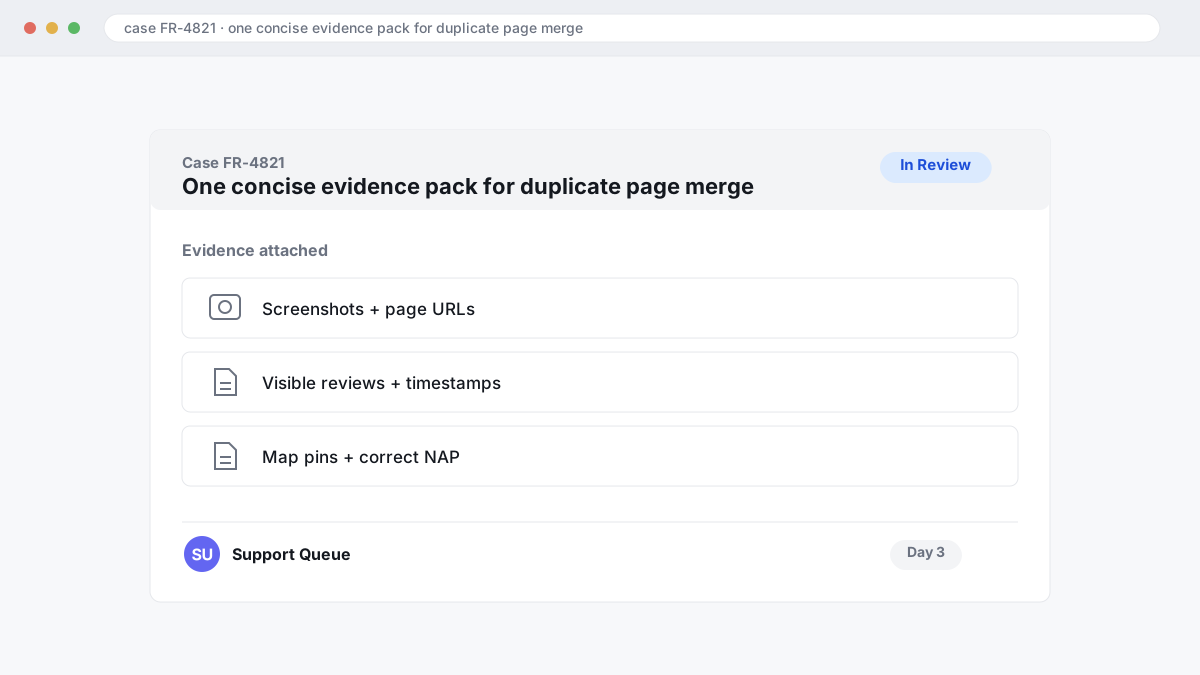
| Stage | What to do | What to save |
|---|---|---|
| Day 1 | Open both Yelp pages while logged into the owner account and document the problem before any edits. | Screenshots, page URLs, visible reviews, timestamps, map pins, and whether each page shows as claimed or unclaimed in your owner account. |
| Day 1 to 3 | Send one concise evidence pack through Yelp support instead of separate tickets from staff, agencies, and managers. | Primary page to keep, duplicate page to remove or merge, correct NAP, proof of location status, and a one-line explanation of why reviews belong on the surviving page. |
| Day 7 to 14 | If nothing changes, reply on the same case thread with the original ticket reference and one fresh screenshot. | The prior submission date, the unresolved page links, and any new mismatch still visible on Yelp. |
Most delays come from fragmented reporting. One staff member marks a page closed, another suggests an edit, your agency files a duplicate report, and Yelp now has conflicting signals tied to the same brand. A single evidence pack beats that every time because it tells Yelp which listing should survive and why.
The field that matters most is the survivor page. If you do not state that clearly, Yelp can remove the wrong listing or leave both live while support checks ownership and address history.
What Yelp usually changes after a duplicate fix
After Yelp confirms a duplicate, it usually keeps one surviving page and may fold reviews, photos and owner-added content into that listing, while search visibility often shifts for several days as the old page drops out.
The first thing to watch is consolidation quality. Reviews often move cleanly, but owner content can land unevenly: a business description may carry over while service details, amenities or a menu link stay behind on the retired page. Photos usually follow the surviving listing, yet the cover image and caption order can change, which matters if your best proof of location was a storefront shot.
| Field | What usually happens after the fix |
|---|---|
| Reviews and photos | Often consolidated onto the surviving page |
| Ranking visibility | Can fluctuate for several days while Yelp settles the merged listing |
| Hours, categories, owner details | Need a manual recheck because these fields do not always merge cleanly |
Check three items the same day the duplicate disappears: hours, primary category and map pin. If any of those are wrong, fix them inside your claimed page straight away, because a clean merge can still leave you showing the wrong opening times or ranking under the wrong service term.
When a Yelp duplicate problem becomes a legal or policy issue
A Yelp duplicate problem becomes a legal or policy issue when the wrong page does more than split reviews and starts publishing false facts, impersonating your business, or misleading users about who operates the listing.
If the duplicate shows a fake phone number, a different legal entity, staff names from another company, or reviews written for a business you do not own, treat it as more than a clean-up task. Yelp can correct listing data, but false factual statements can also raise defamation issues, especially where a page says something verifiably untrue rather than giving an opinion. Rules differ by country and by platform, and this is general information rather than legal advice.
Why does paid or manipulated content matter here? Because a duplicate page sometimes gets propped up with undisclosed paid endorsements or deceptive review activity, and that moves the issue into consumer-protection territory. In the US, the FTC’s rule on fake reviews and testimonials took effect in October 2024, and the FTC’s endorsement guidance also covers undisclosed paid endorsements. In the UK and EU, misleading-practice rules also matter where a duplicate listing misrepresents the trader, location, or relationship between two businesses.
If you are deciding between a platform report and escalation, use the cheaper route first: send Yelp a tight evidence pack and keep copies of every URL, screenshot, and business record. Move to legal advice when the listing impersonates your company, republishes false facts that cause real harm, or keeps redirecting users to another operator after you have documented the error.
Where to go from here
Start by picking the page that should survive, then build one evidence pack around that choice: screenshots of both Yelp URLs, the correct business name, address, phone, website, opening status, and anything that proves which page is current. Send one clear consolidation request through Yelp rather than multiple overlapping reports. In practice, duplicate fixes slow down when staff keep editing both pages, franchise naming differs between locations, or a reopened address still carries old data from a closed listing.
If reviews were split, moved to the wrong location, or left behind on a duplicate, expect a second round of cleanup after the listing issue is reviewed. That usually means checking which reviews stayed attached to the surviving page, which location signals still conflict, and whether Yelp has treated two same-brand branches as one business. com or call +1 561 461 0399.