

Quick answer
You usually cannot submit your business to Alexa through a direct local listing form. Alexa’s local business answers have historically relied on upstream data sources such as Yelp, while some listing vendors also push data through networks like Yext. The practical fix is to claim and complete your Yelp profile, then make sure your Google Business Profile, Bing Places and Apple Business Connect match your exact name, address and phone number. After that, test branded and category voice searches on an Alexa device, correct the source listing if anything is wrong, and wait for Alexa’s next data refresh.
If you are searching for how to get my business on alexa, the mistake most guides make is treating Alexa like a primary directory. It is usually a downstream consumer of other records, so the real job is source control: standardise NAP, confirm categories, then test the spoken query you expect customers to use.
At BGR Review, we handle profile accuracy, review platform issues and local reputation work for 15,000+ businesses, and the same pattern comes up constantly: owners change a suite number or phone line in Google, leave Yelp untouched, then wonder why Alexa keeps reading the old version. That mismatch log matters. Before anyone pays for syndication, we would verify the upstream profiles first, because no sync tool fixes a bad canonical record on its own.
How getting your business on Alexa works
Getting your business on Alexa usually means fixing the sources Alexa reads, because you cannot submit a local listing to Alexa the way you can with Google Business Profile.
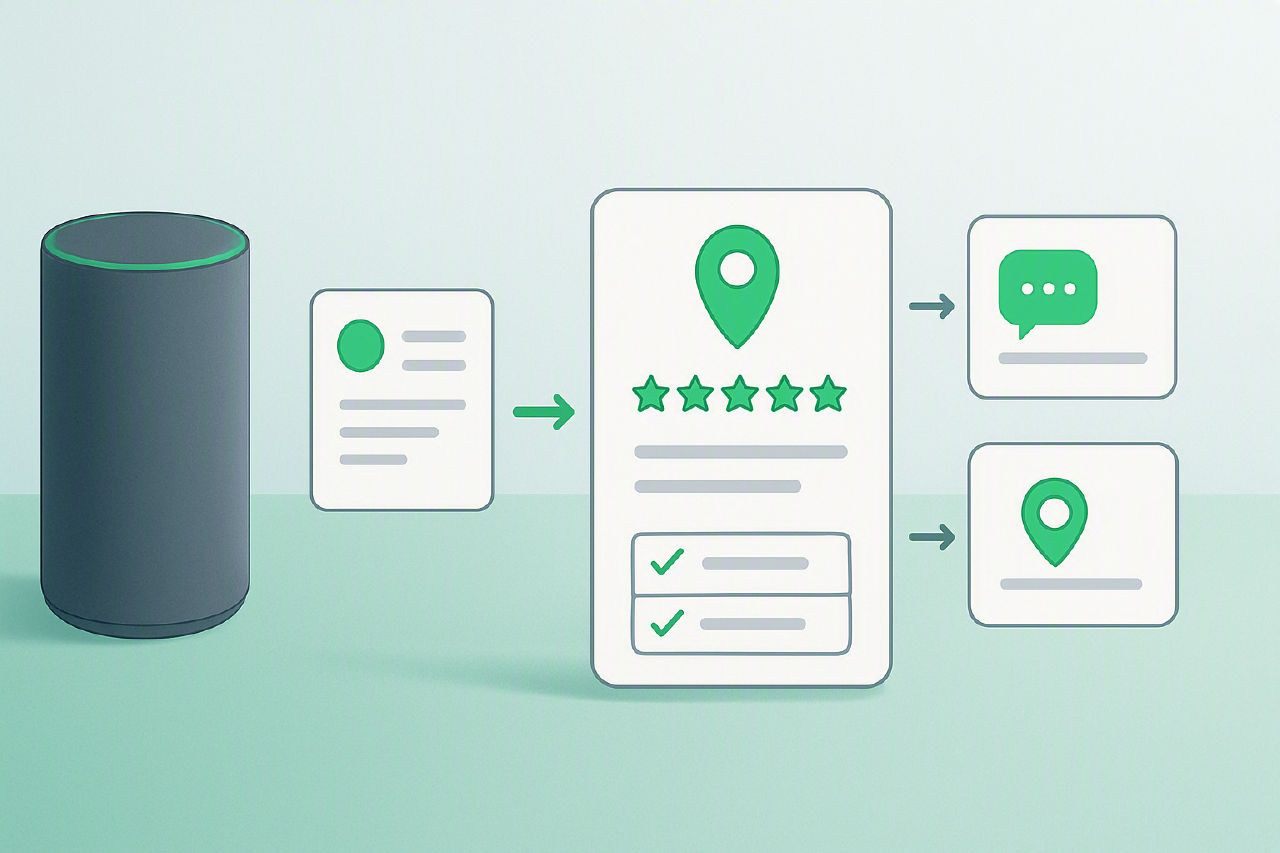
For most local queries, Alexa commonly pulls business details from Yelp, Bing, and business-data aggregators rather than from a primary Alexa dashboard. That matters because the fix sits upstream: correct your name, address and phone on those source profiles first, then test Alexa again.
Give the changes 2-8 weeks to settle across the data chain before you assume the update failed. If you pay an agency to help, the useful work is source correction and verification, not a claimed “direct Alexa submission”.
Introduction
This guide covers Alexa’s current local-search path after Alexa.com closed in 2022, with the focus on where business data actually comes from and how you correct it upstream.
We have written it the way we handle live profile checks at BGR Review: verify the source listing, check the named platform policy, then wait for the source to refresh rather than treating Alexa as a primary directory. That matters because Alexa discovery depends on external data providers, and update timelines are often measured in days or weeks, not instantly. Our commercial interest is straightforward: BGR Review sells review and listing support, but this guide is built for accurate discovery first.
How Alexa actually gets business information
Alexa usually gets local business details from third-party listings, so the record you hear in an Echo response often started on another platform rather than inside Alexa itself.
For local intent queries such as “Alexa, find a locksmith near me” or “call Joe’s Pizza”, Amazon can surface business names, hours, categories, addresses and review signals from external data providers. Yelp is one of the sources you should check early because it commonly feeds hours, review content and category labels into voice results. If your Yelp page says “restaurant” when you are really a “pizza delivery” business, Alexa can inherit that mismatch and answer the wrong query set.
Most owners waste time looking for an Alexa claim form. The faster route is to fix the upstream listing. At BGR Review, the first step before we suggest any paid syndication tool is to compare the spoken Alexa result against the source profiles that usually drive it, then correct the source with the wrong NAP data, hours or category. NAP means your name, address and phone number, and one bad field there can keep repeating across assistants and directories even after you update your own site.
What changed after Alexa.com shut down
Alexa.com shutting down on May 1, 2022 removed a website people used to confuse with Alexa’s current voice responses, and it ended the old idea that you could submit a business through an Alexa-owned directory. A lot of ranking guides still point to Alexa.com pages, claim tools, or data products that no longer exist. If you are trying to get your business found on Alexa today, treat any advice that starts with an Alexa portal or submission form as outdated.
Current Alexa visibility comes from upstream local data sources such as Yelp, Bing and other business listings, not from an Amazon-run business dashboard. That is the first check we use before any listing-cleanup work at BGR Review: confirm the live source profile, standardise your name, address and phone number, then test the voice result after the source listing updates. If an agency tries to sell you Alexa submission as a standalone service, ask which source they are actually fixing, because there is no current Alexa-owned business portal to claim.
The listings to fix before you test Alexa
Fix the source listings first: Yelp, Bing Places, Apple Business Connect and Google Business Profile are the four profiles to clean up before you ask Alexa to find your business.
| Platform | What to match exactly | What to review beyond NAP |
|---|---|---|
| Yelp | Business name, address, suite/unit format, phone | Primary category, hours, website URL |
| Bing Places | Business name, address, suite/unit format, phone | Primary category, hours, website URL |
| Apple Business Connect | Business name, address, suite/unit format, phone | Primary category, hours, website URL |
| Google Business Profile | Business name, address, suite/unit format, phone | Primary category, hours, website URL |
NAP means name, address and phone number. Keep it identical everywhere, down to small details that owners usually wave off: “Suite 200” versus “Ste 200”, “Road” versus “Rd”, or a tracking number on one profile and your main line on another. Those mismatches create duplicate entities and bad merges long before you get to any Alexa test.
Check the fields that change routing as well. A wrong primary category can make a branded query work while a category query fails; bad hours can suppress trust; the wrong website URL can send voice users to an old domain or a broken location page. On listing clean-up jobs, BGR Review treats these four profiles as the minimum baseline before any paid syndication is even discussed, because fixing the upstream record is usually cheaper than paying a tool to spread bad data faster.
How to claim and optimize your Yelp business page
Claiming and optimising your Yelp page means taking control of the live business profile in Yelp for Business first, then fixing the details Alexa is likely to reuse from that upstream source.
Start inside Yelp for Business and claim the page before you touch hours, categories or photos. Yelp usually verifies ownership by phone, email or postcard, depending on the profile and what business data it already trusts. If verification stalls, stop editing and confirm you are claiming the correct existing page rather than creating a duplicate, because Alexa will pull from the established record more reliably than from a fresh duplicate.
Use one primary phone number everywhere. Use the same local number on Yelp, Google Business Profile and Bing Places, and avoid swapping in a tracking line as the main contact unless you can keep it consistent across the other core listings. For address fields, use a real street address where Yelp allows it; if you are a service-area business, forcing a staffed office onto the page creates a mismatch that carries into voice results.
Category choice matters more than most owners think. Pick the closest primary category first, then add only relevant secondary categories, because broad stuffing makes the page less trustworthy. When BGR Review audits missing Alexa mentions, Yelp is one of the first upstream listings we correct before we test branded and category queries again.
How to fix Bing Places and why it still matters
Bing Places still matters because its data can influence business answers across Microsoft surfaces and partner ecosystems, which means a wrong phone number there can keep echoing after you fix Yelp or Google. Before BGR Review touches any wider listing cleanup, we check Bing Places for three basics: legal business name, primary category, and your live local number. Bing's Google import tool is useful, and it often cuts setup time to one session, but it also copies bad categories, old suite numbers, and call-tracking lines just as quickly.
| Method | Typical timing | Main risk |
|---|---|---|
| Phone verification | Often within minutes | Wrong main line or IVR blocks the call |
| Postcard review | Longer, case dependent | Old address or mail handling delays approval |
If your Bing Places profile will not verify by phone, do not keep resubmitting the same details. Check whether the listing is tied to an old address, a previous practitioner, or a duplicate created during Google import, then correct that source first. We use that same upstream-first workflow at BGR Review because paying for syndication before ownership and NAP are clean usually spreads the mistake further, not the fix.
Whether Yext or other syndication tools are worth paying for
Yext and similar citation-syndication tools are optional for Alexa, because Alexa reads upstream business data and does not require a paid submission through Yext.
Most owners should pay for syndication only when their name, address and phone number differ across a long list of directories, old locations still exist, or franchise and practitioner listings keep reappearing. If your core sources are already clean, especially Yelp and Bing Places, a paid network often adds speed rather than necessity. BGR Review sells review growth and pay-after-success removals at $449 per removed link with $0 upfront, not citation software, so the practical advice here is simple: fix the main sources first and buy distribution only if manual cleanup will take too long.
| Question | What to check before paying |
|---|---|
| Contract | Monthly vs annual term, auto-renewal, and whether listings revert or lose edits after cancellation. |
| Cost | Total annual spend, not the entry price shown on a sales page. |
| Coverage | Whether the network actually updates the directories feeding your niche, country and voice assistants. |
Most guides stop at “Yext helps Alexa.” That is too loose to be useful. If the vendor cannot show the exact publishers covered, the update method, and what remains manual, keep your money and correct the upstream profiles yourself.
How to test whether Alexa can find your business
Testing Alexa means running the same local search query on at least two Alexa-enabled devices, at different times of day, and recording exactly what answer came back and where it appears to have come from. Use one Echo speaker and one Alexa app session on iPhone or Android if you can. Test three query types for the same location: your brand name, your service category, and a near-me variation such as “electrician near me” or “best pizza near me”. Run each query twice, once during open hours and once after closing, because opening-hours data is one of the first fields to drift when Yelp, Bing Places or another upstream source is out of sync.
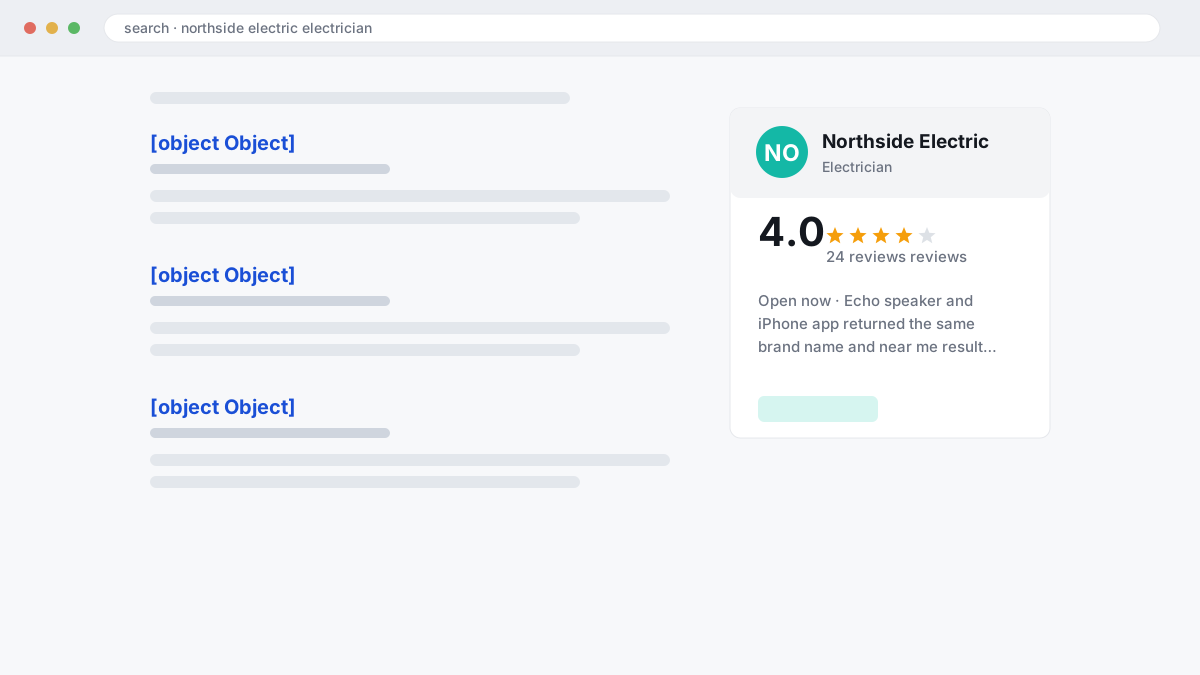
- Exact phrase used: “Alexa, find your business name”, “Alexa, find a service in town”, “Alexa, find a service near me”.
- Device and time: Echo Dot at 10:00, Alexa app at 19:30.
- Returned result: your business, a competitor, no result, wrong town, wrong phone, wrong hours.
- Likely source shown or implied: Yelp listing, Bing result, map card, unknown.
- Error type: missing listing, bad NAP, duplicate profile, outdated hours, wrong category.
Keep the log in one sheet before you change anything. That avoids the common agency mistake of paying for syndication before you know whether Alexa is failing on entity matching, location intent, or simple hours data.
What to do when Alexa shows the wrong details
When Alexa shows the wrong business details, the fix is almost always to correct the upstream source listing rather than looking for an Alexa submission form. BGR Review treats Alexa as a downstream reader of business data, so the first step is to compare your live Yelp and Bing Places profiles line by line against the answer Alexa gives. Log the exact mismatch, the device used, and the query you spoke, then change the source profile and give it a few days to refresh.
| Alexa error | Usual source | What to fix first |
|---|---|---|
| Wrong phone number | Old citation or a call-tracking number left on Yelp or Bing | Restore one primary local number across both profiles and major citations |
| Marked closed | Mismatched hours or temporary closure data between Yelp and Bing Places | Match opening hours exactly and remove any stale closure flags |
| Wrong address | Suite change, relocation, or service-area edit that left an old street address live | Update the full address, hide it if you are service-area only, and clean duplicate listings |
If the error follows a move, check for duplicates before you edit anything else. A merged or duplicate profile can keep serving an old suite number even after you update the main listing, and that is one reason BGR Review checks citation consistency before any paid syndication work. If Yelp and Bing match and Alexa is still wrong after roughly 72 hours, test again with a branded query and a category-plus-city query, then document the result for the agency or in-house SEO handling the cleanup.
A practical business-listing audit workflow
A practical business-listing audit workflow starts with recording Alexa’s spoken answer word for word, then correcting the upstream profiles that feed it rather than treating Alexa as a directory you can edit.
Write down the exact response before you touch anything: business name, address, opening hours, website, category, and any wrong brand it confused you with. We use that verbatim log first because “close enough” notes hide the real fault. If Alexa says “I found Smith Plumbing Services on Yelp” but reads an old phone number, that points you to the source record, not to Alexa itself.
| Check | Profiles to compare | What to log |
|---|---|---|
| Core identity | Yelp, Bing Places, Google Business Profile, Apple Business Connect, Facebook | Name, address, phone |
| Commercial details | Same 5-10 core listings | Hours, website URL, primary category |
| Voice-test result | Alexa branded and category queries | Exact answer, date, device used |
Compare those fields across 5-10 core profiles in one sheet. Keep the format strict: one canonical NAP, one preferred homepage URL, one category label you can defend. Agencies skip this and buy syndication too early; then the tool distributes mixed data faster.
Submit changes source-first, starting with the profile Alexa appears to be citing, then update the rest and monitor weekly until the answer stabilises. Give each source time to refresh. A same-day retest tells you very little, while a 2-4 week log usually shows whether the correction actually propagated.
Platform rules, ownership, and edge cases to watch
Platform rules, ownership status and listing type decide whether a fix belongs in Yelp, Bing Places, Google Business Profile or a legal dispute route, and the details vary by country and platform.
US and UK rules are close in principle but not identical. In the US, the FTC's 2024 rule on fake reviews and the Endorsement Guides cover undisclosed paid endorsements; in the UK, consumer-protection rules and the DMCC Act target misleading commercial practices. False statements of fact can also raise defamation issues, but that depends on what was said, where it was published and your local law, so treat this as general information rather than legal advice.
| Edge case | What to check first |
|---|---|
| Service-area business | Hide the street address where the platform allows it and keep the service area consistent upstream. |
| Individual practitioner | Check whether the platform allows separate profiles for a person and the main business before you merge or suppress either one. |
| Duplicate listing | Find the source record and preserve the stronger profile rather than editing both into conflict. |
If the issue moves from discovery to removal, ownership and evidence matter more than volume. BGR Review's removal work runs on a pay-after-success basis at $449 per removed review link with $0 upfront, but duplicate cleanup and profile ownership are often cheaper to fix yourself before you pay anyone.
When an agency should step in
You should bring in an agency when verification has failed 2-3 times, ownership is disputed, or your details keep reverting after you correct the source profile.
Repeated reversion usually means the problem sits upstream. A duplicate Yelp page, an old Bing Places record, a bad data partner, or a franchise location with inconsistent NAP can overwrite the version you fixed. This is where an agency earns its fee: tracing the source, documenting the mismatch, and pushing the correction at the platform Alexa is actually reading rather than treating Alexa like a submit-anywhere directory.
If an agency jumps straight to a broad citation package, stop and ask for the map first. You want a source-by-source correction plan: Yelp status, Bing Places ownership, Apple Maps presence, duplicate suppression, and the exact tests they will run on branded and category queries after each change. Vague “voice search optimisation” promises are a weak substitute for that audit.
Closing brief
Alexa visibility starts with accurate upstream listings, not a direct Alexa submission. Fix Yelp and Bing Places first, then check the rest of your core citations for one clean NAP version, the right website URL, business category and opening hours. Test Alexa again after the source profiles update, because the voice result usually follows the upstream record rather than a manual request inside Alexa.
If the data keeps reverting after you correct it, move to a listing cleanup service. That is the sensible next step when duplicates, old aggregators or franchise-level records keep overwriting your details.
Where to go from here
Treat Alexa like a mirror of other local data, not a directory you manage directly. In the profiles we audit, the fix almost always starts upstream: Google Business Profile, Yelp, Apple Business Connect, Bing Places, your site contact page, and any aggregator or syndication tool you already pay for. Then test real queries on an Echo or the Alexa app: your brand name, your service plus city, and common variants of your phone number and address. Write down the exact wrong answer, because that usually tells you which source is feeding the error.
If you do one thing next, build a simple mismatch sheet today with five columns: source, business name, address, phone, and category. Correct the source profile first, then recheck the voice result after the platform has had time to refresh. Expect a delay. Voice assistants do not update instantly, and paid distribution tools only help when the route into Alexa is clear.