


Quick answer
To get 1,000 reviews on Google, you need a system that asks every eligible customer every time, then follows up until the window closes. Start with a complete Google Business Profile, generate a direct review link, send the first request straight after the service or purchase, and follow with SMS and email if no review lands. Track review rate by location, channel and staff member. Google’s fake engagement policy bans fake reviews and incentive-based positive review asks, so scale comes from real customer volume, timing and disciplined follow-up, not shortcuts.
If you want a realistic answer to How to get 1000 reviews on Google, the part most guides skip is what happens after the ask: plenty of customers ignore the first message, some click and never post, and some published reviews still get filtered if the pattern looks unnatural. We handle both sides of that problem at BGR Review, from building verified review volume across Google, Trustpilot, Yelp and Clutch to removing damaging review links at $449 per removed URL with $0 upfront.
The operational detail that matters is boring but decisive: review velocity, request timing and channel mix. A burst of identical asks from one location can stall, while a steady flow starting in 24-48 hours and spread across real customer touchpoints tends to hold.
How to Get 1,000 Reviews on Google
Getting 1,000 Google reviews takes a controlled system: steady request volume, sensible review velocity, policy-safe fulfilment and tight rollout across staff, channels and locations.
This page is for you if profile setup is already done and you are now comparing how to scale from dozens of reviews to four figures without tripping the Google Business Profile review policy or losing reviews to filtering. The useful questions at this stage are operational ones: how many requests you need, which channels convert, how fast to grow, what gets ignored, and when software or outside help earns its cost. BGR Review handles both review fulfilment and pay-after-success removals at $449 per removed link, so this guide stays focused on what holds up in live Google review operations.
Quick answer
You usually reach 1,000 Google reviews by running a consistent request system for 12 to 36 months, with roughly 10% to 25% of completed customers actually posting a review. That means 4,000 completed jobs at a 25% conversion rate, or 10,000 at 10%. If your current volume cannot support that maths, you need either more completed customers, more locations, or outside fulfilment support rather than a one-month push.
Google Business Profile policy bars incentivised, fake, gated and selectively solicited reviews, so the fastest-looking methods are often the ones that get filtered or removed. At BGR Review, review packages come with a 30-day free replacement guarantee, and any removal work runs pay-after-success at $449 per removed review link with $0 upfront.
Why this page is credible on review growth
This page is credible because it is built from live Google review fulfilment and removal work, using the platform’s own terms instead of recycled “ask every customer” advice.
The advice here tracks what happens after the request goes out: which reviews publish in 24-48 hours, which sit pending, which get filtered by Google’s automated spam checks, and which disappear after moderation. It also uses the language Google actually enforces in the Google Business Profile prohibited and restricted content policy, because growth plans fail when you ignore what triggers removals, delays and non-posted reviews.
Start with the maths behind 1,000 Google reviews
The maths for 1,000 Google reviews is simple: divide your target by your real review conversion rate, then map the monthly pace needed to get there without forcing volume.
If 15% of completed customers leave a Google review, you need roughly 6,667 completed customers to reach 1,000 reviews. That is the number most owners skip. They set a review goal without checking whether their sales volume, booking count or job completion count can support it, then blame Google when the target stalls. We use this exact planning step before any Google review fulfilment work because the review count only moves if the underlying customer flow is there.
| Target | Working assumption | What it means |
|---|---|---|
| 1,000 Google reviews | 15% conversion from completed customers | About 6,667 completed customers needed |
| 1,000 Google reviews | 50 reviews per month | About 20 months to hit target |
If you run multiple locations, split the 1,000 by site, team or service line. Four locations can work toward 250 each. A legal, dental or home services brand can also break targets down by office manager or completed-job source, which is usually easier to manage than one company-wide number. That is also how you catch weak points early instead of waiting 6 months to discover one branch never asks.
Build a review request system, not a one-off campaign
A review request system is a fixed post-service workflow that asks every eligible customer at the same point, through the same channels, with clear ownership for each step.
Ask after the moment your customer can actually judge the experience: service completion, delivery confirmation, or issue resolution. That timing matters more than most guides admit. If you ask before the job is finished, before the parcel arrives, or while support is still open, response rates drop and complaint reviews rise. Google Business Profile review policy also expects genuine first-hand experiences, so your trigger should match a completed interaction.
Use two touches. Send an SMS the same day while the experience is still fresh, then send an email 24 to 72 hours later to anyone who did not act on the first message. SMS gets seen fast. Email gives the customer more room to write. In fulfilment work, the second touch often rescues customers who intended to leave a review but ignored the text in the middle of the day.
Split ownership three ways so the process survives busy weeks. Frontline staff should confirm the job is complete and ask permission to send the link. A manager should audit missed requests and coach weak handoffs. Your CRM or booking system should fire the SMS and email automatically, because any manual step eventually gets skipped.
Choose request channels that scale without depressing conversion
The best review channels scale when they shorten the path to Google and match how your customer actually replies in the first 24 hours after the job or visit.
| Channel | Where it works best | Main failure point |
|---|---|---|
| SMS | Local services, same-day jobs, fast follow-up | Weak timing or a generic landing page |
| Longer sales cycles, B2B, invoices and completed projects | Low open rates and slower response | |
| QR card | Retail, clinics, hospitality, front desk checkouts | No verbal ask at the point of handover |
SMS usually beats email for plumbers, dentists, med spas and other local operators because the message lands while the visit is still fresh. Send it within a few hours of completion, with a direct Google review link, and you remove two common drop-off points: searching your business name and landing on your homepage first. Google Business Profile review collection works better when the route is one tap, not three.
QR cards help in-store, but only when staff ask out loud. A card left in a bag or on a counter gets ignored. The simple version works: “If everything was good today, would you mind scanning this and leaving us a Google review?”
Direct links matter more than most guides admit. If you send people to your website or tell them to find your profile themselves, conversion drops because some never log in, some pick the wrong profile, and some stop at the search results. If you use a provider to help scale requests, keep control of the link and message flow; at BGR Review, review packages carry a 30-day free replacement guarantee, which only works cleanly when the request path is consistent.
Write staff scripts that increase asks without sounding forced
A review script works when it gives staff one exact sentence to use, at one exact moment, so the ask feels natural and happens consistently.
Short scripts beat loose reminders because staff actually remember them. “If today went well, would you mind leaving us a Google review? I’ll send the link now” is far stronger than “leave us feedback sometime.” Keep it to roughly 12-15 words before the close, then pair it with a text or email link within minutes of the positive service moment: payment completed, issue resolved, handover signed, table cleared, keys returned.
If you wait until the next day, intent drops and the request starts to feel administrative. The cleanest asks happen while the customer is still reacting to the result. That matters on Google because review quality signals and filtering both improve when the review comes from a real customer action, on the customer’s own device, after a genuine service event.
Train the wording exactly, then audit monthly by staff member. Track three numbers: asks made, links sent and reviews posted. If one person sends plenty of links but gets few reviews, the script delivery is weak; if another gets reviews without filters or removals, use their phrasing in the next coaching round.
What Google allows, filters and removes
Google allows genuine customer feedback, but its policies prohibit fake engagement, review gating and reviews from people with a conflict of interest. The Google Maps user-contributed content policy bars spam and fake content, and the Google Business Profile review guidelines ban asking only happy customers to post while steering unhappy ones elsewhere. Reviews from staff, current vendors, agencies managing the profile, or anyone paid purely to influence the rating sit in the danger zone.
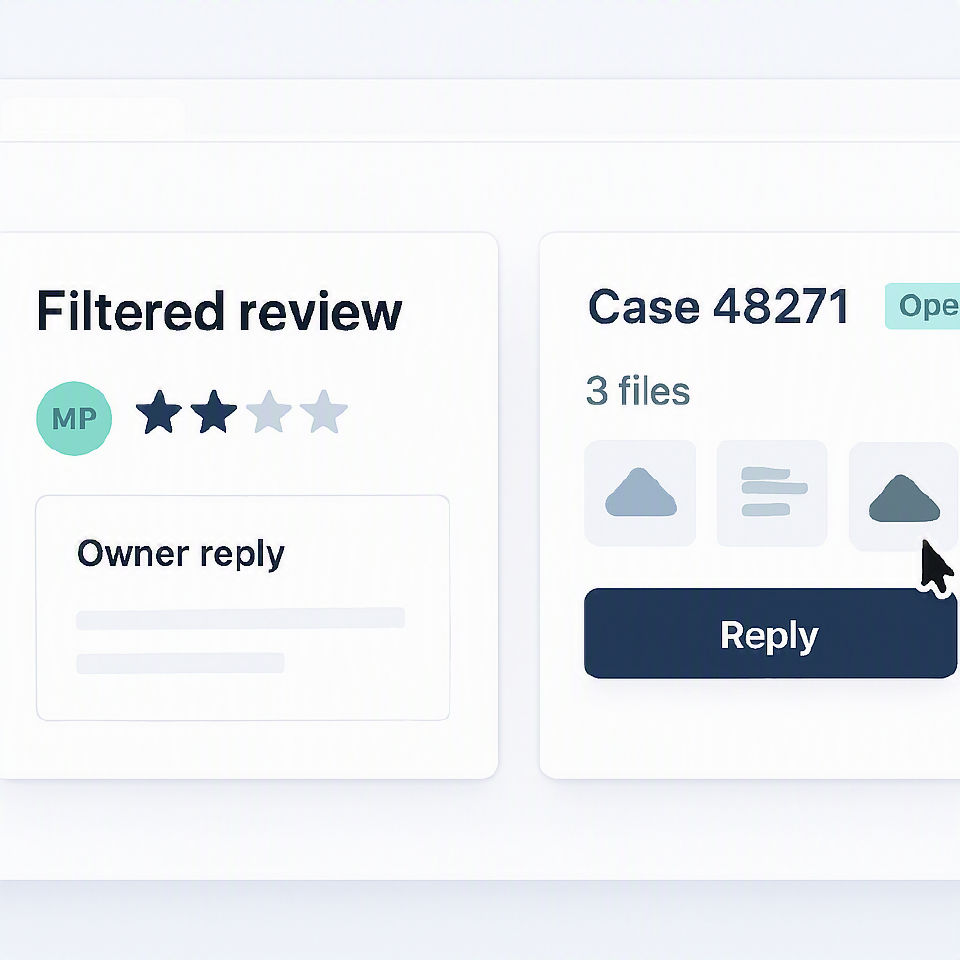
Why do some reviews vanish while others hang in limbo? Google’s filter does not work like a manual approval queue. A review can fail instantly, publish after a delay of a few hours or days, or never appear at all if the account, device, wording or location data trips spam signals. That is why BGR Review’s Google packages use a 30-day free replacement guarantee rather than promising every submitted review will stick on first publish.
If you are seeing sudden losses after a push, check the technical footprint before you blame the wording. Ten reviews posted from one device, one IP range, or a tight cluster of newly active Google accounts can look coordinated even when the text reads naturally. Any provider worth considering, including us, should be able to explain how they avoid bulk posting patterns, because delivery starting in 24-48 hours is useful only if the review profile still looks credible a month later.
How to manage review velocity so growth looks natural
Natural-looking review growth means your monthly review count rises in controlled steps, usually over 6 to 12 weeks, instead of jumping from 5 reviews a month to 150 as soon as you switch a request system on.
Google Business Profile does not publish a safe quota, but sharp spikes create quality problems fast: clustered timestamps, repeated wording, and too many reviews from one customer source can end up filtered or delayed. The cleaner approach is operational. Start with one team, one request channel and a modest daily target, then raise volume each week only after reviews are posting normally and sticking.
If you run more than one location, spread asks across branches rather than forcing one profile to carry the whole lift. The same applies inside a single site: rotate requests across front-desk staff, sales staff and service staff, and pull from different customer segments instead of hammering one recent list. That is the same logic behind BGR Review delivery starting in 24 to 48 hours and then pacing out review packages, backed by a 30-day free replacement guarantee if reviews drop.
Velocity also needs to match your real transaction volume. A clinic seeing 20 patients a day can support a very different ask rate from a B2B firm closing six jobs a month, and Google can tell when review volume outruns visible business activity. If growth starts looking uneven, slow the requests before you try to fix missing reviews later.
Multi-location rollout: how brands reach 1,000 faster
A multi-location rollout gets you to 1,000 Google reviews by splitting the target across profiles, standardising the request system, and making each branch accountable for a weekly number.
The maths is simple: 10 locations need 100 reviews each to reach 1,000 total. That works better than pushing one flagship profile while the other nine sit thin, because Google Business Profile performance is local and review strength rarely transfers cleanly between branches. If one site can realistically generate five to 10 new reviews a week from completed jobs, bookings or visits, you can set branch targets from real transaction volume instead of guesswork.
| Control area | Central team owns | Local manager owns |
|---|---|---|
| Templates | SMS and email copy, approved review links, policy-safe wording | Using the right script after each sale or visit |
| Tracking | Weekly dashboard by profile, staff source tags, missed-request checks | Hitting weekly ask rate and fixing gaps fast |
| Quality control | Google Business Profile review policy rules and escalation steps | Reply quality, response time, no off-script incentives |
Give head office control of templates, tracking and policy guardrails, then give local managers one clear scorecard: requests sent this week, reviews posted, and response quality on live feedback. That split prevents the usual branch-level mess where one manager rewrites the script, another sends too many reminders, and a third ignores negative reviews that should be routed for removal review at $0 upfront and $449 only after success.
The tools and providers worth evaluating
The right stack for review growth combines software for automation, an internal workflow for accountability, and outside support for rollout and policy-safe execution.
| Option | What it should handle | What to watch for |
|---|---|---|
| Review software | Direct Google review links, timed SMS or email reminders, location-level reporting, staff-level tracking | Weak tools send the same message to everyone and hide reply rates by branch or adviser |
| Internal workflow | Clear ask point, scripted handoff, daily follow-up ownership | No owner means requests go out late, which usually cuts conversion |
| Agency support | Rollout, staff training, copy review, escalation when reviews are filtered or removed | Avoid anyone promising “guaranteed” Google reviews or fixed bundles |
Most software helps with sending and reporting. It does not fix bad timing, poor scripts or staff who forget to ask. The better setup is simple: request goes out within 24-48 hours of the sale or job, reminders stop after a review lands, and managers can see which location is asking and which is coasting.
If you use an agency, check the process before the pitch. Google’s Business Profile review policy bars fake engagement, and the FTC’s endorsement rules require honesty around incentives and review collection. BGR Review sells review growth support and removal work, but the red flag stays the same whatever provider you pick: anonymous reviewer networks, prepaid “100 review” bundles, or any promise that every review will stick.
What actually happens when reviews go missing or get stuck
Missing or stuck Google reviews usually mean one of three things: Google delayed publication, Google filtered the review, or the business profile itself is under moderation.
The first delay is ordinary. A legitimate review can sit in pending state for 24 to 72 hours before it shows publicly, especially when the reviewer has a thin account history, has just created the Google account, or is posting from a device or network Google treats cautiously. The second issue is duplicate content. If two customers use the same wording, paste from a staff template, or leave near-identical reviews across locations, one or both can vanish without any warning under Google Business Profile review policy enforcement.
Profile moderation is the part most teams miss. If you changed the business name, category, address, phone number or reopened a suspended Google Business Profile, fresh reviews can get stuck behind profile-level checks even when the customer did everything right. That is why staff often blame low compliance or weak scripts when the real problem is filtering. In our own fulfilment workflow, if a review has not appeared after 72 hours, we treat it as a filter or moderation issue first and only move to our 30-day free replacement process after that check.
A 90-day plan to build momentum toward 1,000 reviews
A workable 90-day plan gets your Google review engine live in month one, measured in month two and cleaned up for scale in month three.
| Days | What to do | What to check |
|---|---|---|
| 1-30 | Lock down Google Business Profile ownership, confirm the correct primary review link for each location, fix duplicate or merged listings, write one staff script for in-person asks and one for SMS or email, and add simple tracking with source tags or a CRM field. | If your profile name, address or category is still changing, delay volume pushes. Review requests sent to the wrong CID or a duplicate listing waste the first 30 days. |
| 31-60 | Turn on automation after the service or purchase event, train front-line staff in one short ask, and review weekly conversion by channel. | Watch request-to-review rates by SMS, email and QR. If one channel sends volume but produces missing or filtered reviews, cut it fast. |
| 61-90 | Test timing, compare locations, and audit for policy risk against the Google Business Profile review policy and the FTC endorsement rules. | If one branch spikes while another is flat, check staff compliance before blaming demand. If you need outside fulfilment, BGR Review starts delivery in 24-48 hours and includes a 30-day free replacement guarantee on review packages. |
The practical next step if you need a faster, safer path
The practical next step is to treat 1,000 Google reviews as an operating system with weekly targets, controlled review velocity and a clean request flow, not a burst of sporadic asking or shortcuts that trip Google Business Profile spam checks.
If growth stalls, check the mechanics first: where the ask happens, which channel you use, how fast reviews are landing, and whether certain reviews are being filtered before they publish. A flat week often comes from bad timing, weak staff handoff, duplicate requests, or a sudden spike that looks unnatural.
If you need managed support, BGR Review helps you standardise review rollout across teams and locations, with delivery starting in 24-48 hours and a 30-day free replacement guarantee on review packages. If the problem is harmful reviews rather than slow growth, removal runs on a pay-after-success model at $449 per removed link with $0 upfront.
Where to go from here
Start with your maths. If your current request flow produces 10 Google reviews a week, 1,000 reviews is a system problem, not a motivation problem. The fix is usually simple on paper and fiddly in practice: tighten the ask timing, remove dead channels, script staff properly, and check what Google is filtering before you push volume.
Your next move is a review strategy audit. Pull 90 days of review requests, compare send volume against live Google reviews, and break it down by location, channel and staff member. You want three answers: where requests are being missed, where reviews are being filtered, and whether your current pace looks natural for your profile.
That audit also tells you if you need growth help, cleanup, or both. At BGR Review, we handle those two parts separately: review packages come with a 30-day free replacement guarantee, and negative review removal runs on a pay-after-success model at $449 per removed review link with $0 upfront. If you want a second pair of eyes on the numbers, email team@bgrreview.com or call +1 561 461 0399.