

TL;DR - Quick Answer
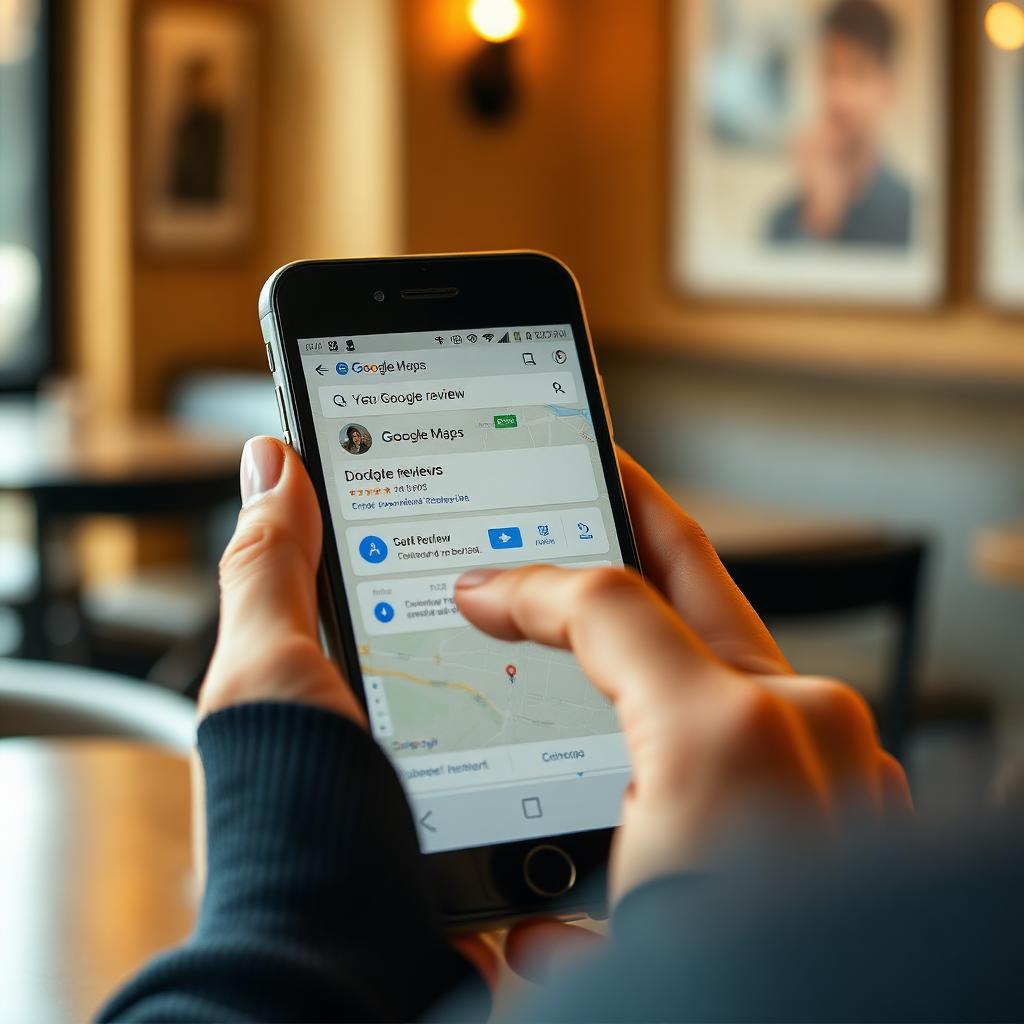
- You can only delete a Google review you wrote yourself - open Google Maps > Your contributions > Reviews, tap the three-dot menu, choose Delete.
- To remove someone else's review from your business profile, flag it through Google Business Profile with a valid policy violation reason - Google removes about 30-40% of flagged reviews.
- Common valid grounds: fake reviews from non-customers, off-topic content, hate speech, personal attacks, competitor sabotage, spam, or conflict of interest.
- If flagging fails, escalate through the Google Business Profile support chat or, for defamation, a legal removal request.
Two very different scenarios
People search "how to delete a Google review" for two completely different reasons. Either you posted a review yourself and want to remove or edit it, or you own a business and want a review someone else wrote taken down. Google handles those cases differently, and the steps that work for one do not work for the other.
Deleting a review you wrote
This is the simple case. Google gives every user full control over reviews they authored.
On mobile (Android or iOS)
- Open the Google Maps app.
- Tap your profile icon in the top right.
- Choose "Your contributions."
- Select the "Reviews" tab.
- Find the review, tap the three-dot menu, and choose "Delete review."
- Confirm.
On desktop
- Go to google.com/maps and sign in.
- Click the menu (three horizontal lines) in the top left.
- Choose "Your contributions."
- Click the "Reviews" tab.
- On the review you want to remove, click the three-dot menu and choose "Delete."
Deletion is instant. If you want to change your review instead of removing it, choose "Edit review" on the same menu.
Removing a review someone else wrote about your business
Google will only remove third-party reviews that break its content policies. Personal disagreement is not enough. Learn the valid grounds before you flag.
Grounds Google actually accepts
- Fake engagement - the reviewer is not a real customer or is part of a coordinated attack
- Off-topic - review is about a different business, product, or personal issue
- Restricted content - alcohol, gambling, adult, or medical products where restricted
- Illegal content - hate speech, threats, personal information about staff
- Terrorist or violent extremism content
- Sexually explicit content
- Offensive language, harassment, or personal attacks
- Conflict of interest - review by a competitor, current or former employee, or the business owner themselves
Step-by-step: flag a review as a business owner
- Sign in to the Google account that manages your Business Profile.
- Search your business name on Google.
- Click "Read reviews" from your profile card.
- Locate the review, click the three-dot menu, choose "Flag as inappropriate."
- Select the policy violation that best fits.
- Submit and note the timestamp for your records.
Alternate route: use the Business Profile web app > Reviews > find the review > three-dot menu > Report review. This route sometimes escalates faster because it is tied to your verified profile.
What to do if flagging fails
Google's initial review takes 3-5 business days. If they decline, you have three escalation paths:
1. Business Profile support chat
From your Business Profile dashboard, open Help, choose "Contact us," pick "Reviews and photos," then start a chat. Have the review URL, screenshots, and your specific policy violation reasoning ready.
2. Legal removal request
If the review contains defamation, illegal content, or violates a specific law, submit a legal removal request at Google's Legal Help form. This is slower (2-6 weeks) but bypasses the standard review team.
3. Professional help
For persistent fake review campaigns or complex defamation cases, a specialised removal service can navigate policy nuances and legal escalation more efficiently than repeating the same flag.
What Google will not remove
- Honest negative reviews you disagree with
- 1-star ratings with no text (unless from a non-customer, which is hard to prove)
- Reviews mentioning slow service, wrong orders, or bad experiences
- Old reviews (Google does not remove based on age alone)
- Reviews you asked the customer to change but they refused
The response strategy that beats deletion
Across 200+ Google review removal cases BGR clients handled in H1 2026, only 38% of flagged reviews were removed. But 91% of clients who paired their flag request with a professional public response saw the review's business impact drop within 60 days. A calm, factual owner response signals to future customers that you take feedback seriously. That matters more than the review disappearing.
A response template that works
Hi [Name], thank you for the feedback. We take [specific concern] seriously. [Address the factual point in one sentence.] We would like to make this right - please contact us at [email] and reference this review. We appreciate the chance to improve.
Frequently Asked Questions
Can I delete a Google review anonymously?
You can only delete reviews from the account that posted them. If the review was posted from an account you no longer have access to, you cannot delete it - you must recover the account first.
How long does Google take to remove a flagged review?
Standard review takes 3-5 business days. Legal removal requests take 2-6 weeks. Complex escalations through Business Profile chat can take 7-14 days.
Will the reviewer know I flagged their review?
No. Google does not notify reviewers when their content is flagged. They only see if it is removed and can appeal that decision.
Can I sue someone for a fake Google review?
Yes, if the review is demonstrably false and causes measurable business harm, defamation claims may apply. Google itself is protected under Section 230 in the US, but the individual reviewer is not. Consult a lawyer first.
Does responding to a review help or hurt?
Data consistently shows a thoughtful response improves candidate and customer perception - even when the underlying review is negative. Silent profiles look worse than actively managed ones.
Have a fake or policy-violating Google review you cannot get removed? Our team runs the flag, escalation, and legal path for you - tell us about your case.